Dooit Dashboard
Dooit's dashboard is what you see when you enter the app
You can customize it to show ascii arts or some info in general
Dashboard takes in a list of items to display
Usage
You can use api's dashboard attribute to set it
py
from dooit.ui.api import DooitAPI, subscribe
from dooit.ui.api.events import Startup

@subscribe(Startup)
def dashboard_setup(api: DooitAPI, _):
    api.dashboard.set(
        [
            "Welcome to Dooit!",
            "",
            "If you're stuck, press '?' for help.",
        ]
    )
The above setup will render something like this:
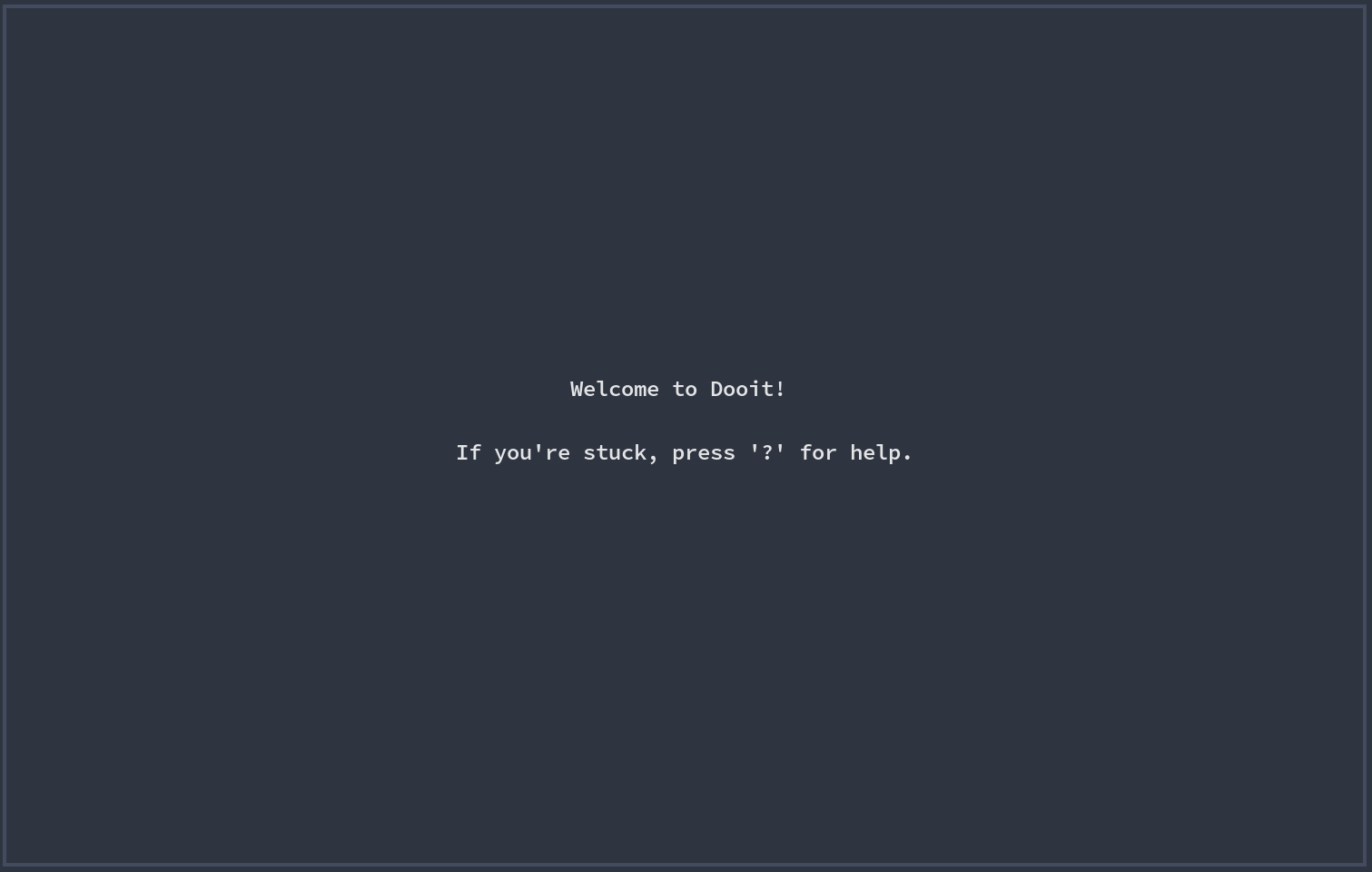
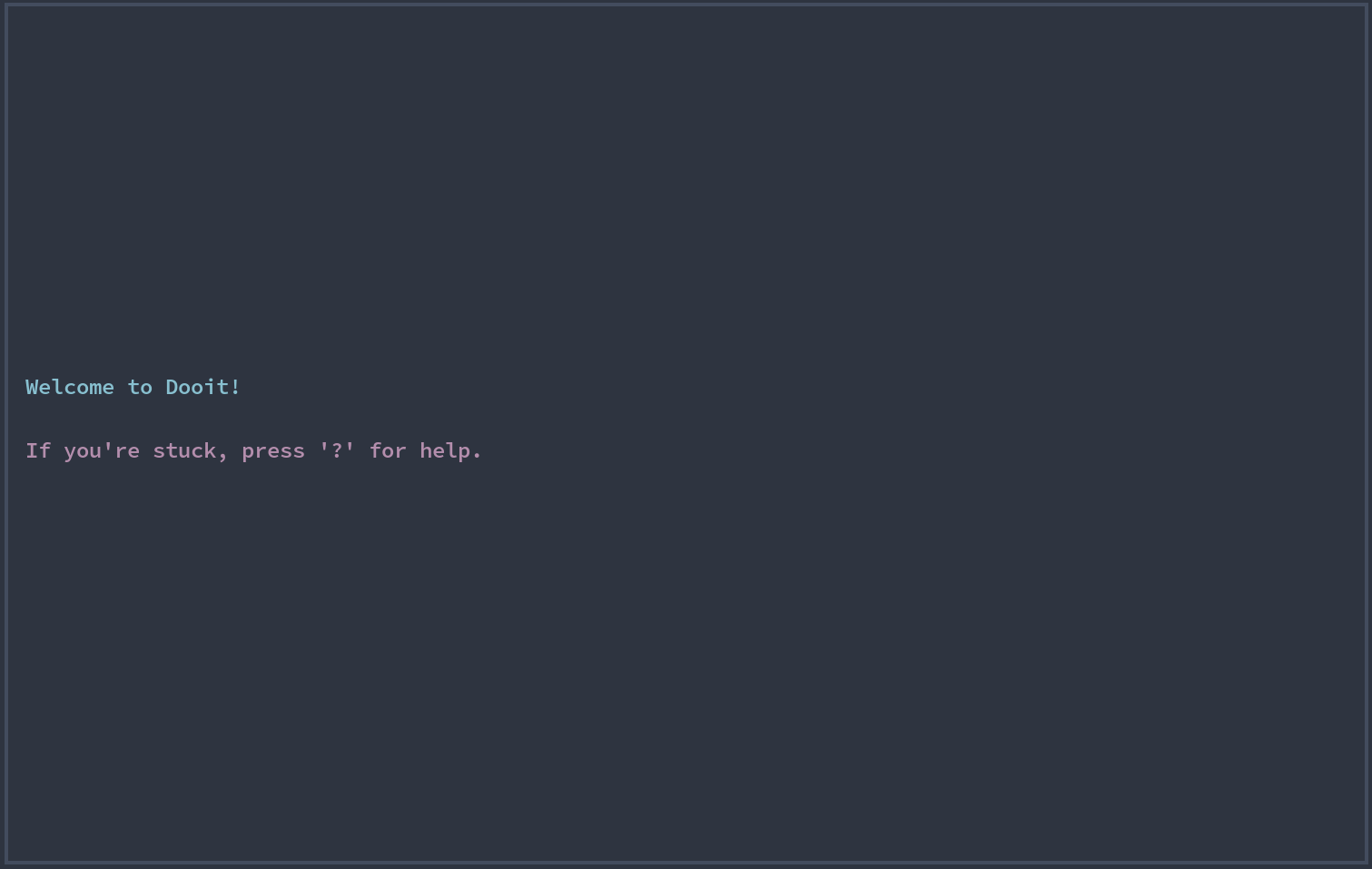
By default, everything is center justified and white but if you want to change it you can use rich's Text instead of plain string
For example:
py
from dooit.ui.api import DooitAPI, subscribe
from dooit.ui.api.events import Startup
from rich.text import Text


@subscribe(Startup)
def dashboard_setup(api: DooitAPI, _):
    theme = api.vars.theme
    api.dashboard.set(
        [
            Text(
                " Welcome to Dooit!",
                style=theme.primary,
                justify="left",
            ),
            "",
            Text(
                " If you're stuck, press '?' for help.",
                style=theme.magenta,
                justify="left",
            ),
        ]
    )
The above setup will render something like this:
💡 TIP
Check out dooit-extras's configs section to find some cool dashboards